
Integrated collaboration tools
for the AI-native era
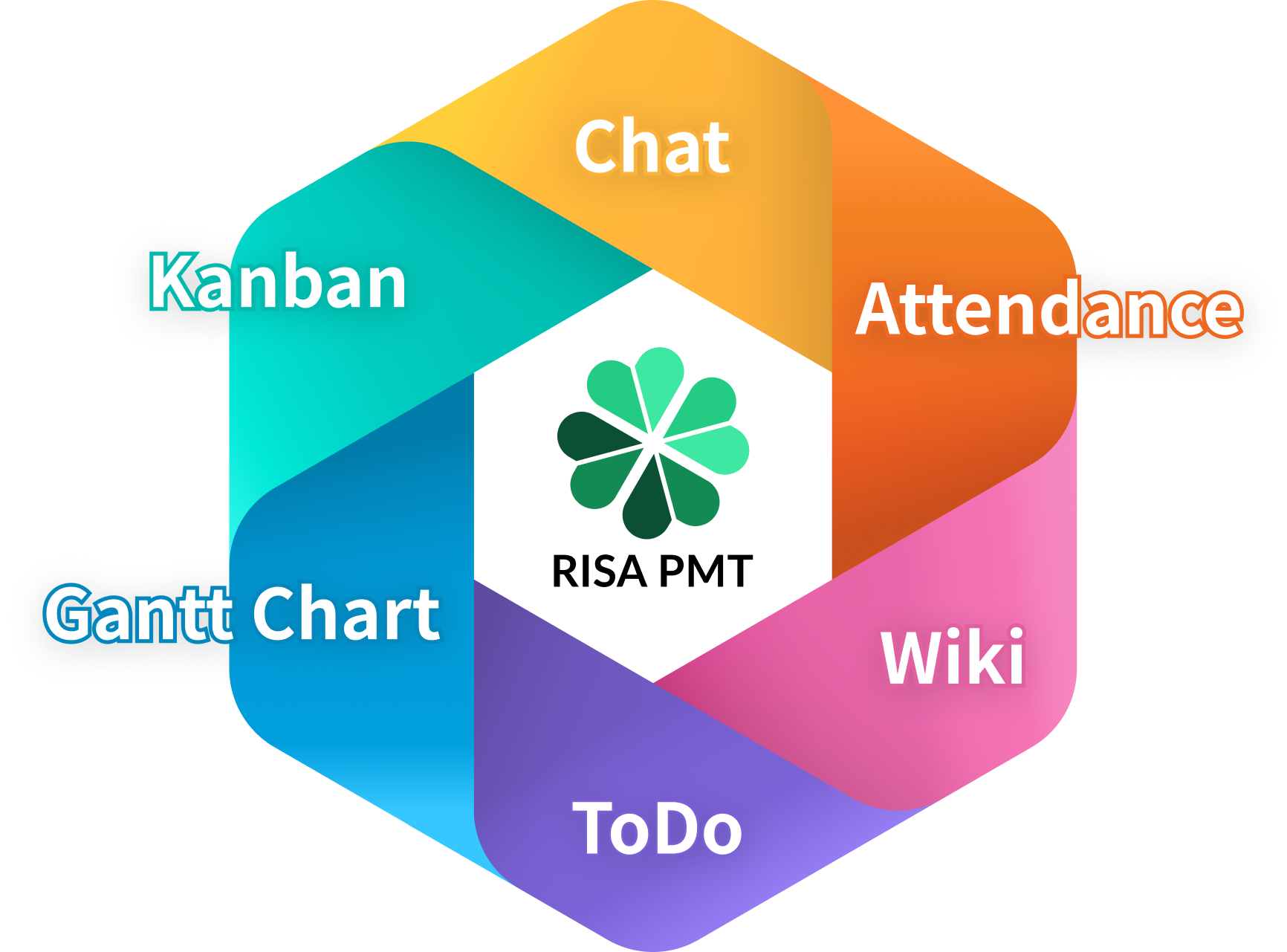
Integrating Chat, Task Management,Schedule, Wiki, and ToDo
Combining Dispersed Information into 'One'
No more switching between apps.
RISA integrates tasks and conversations,
so your information stays organized—no more hunting across apps.
AI Integration (MCP-ready)
Coming Soon
Too many notifications. Important messages get buried.
Common problems
- Important messages often get buried in a flood of notifications and are easily overlooked.
- There are so many irrelevant notifications that I stop checking notifications altogether.As a result, I end up missing messages that are meant for me.
Cut the noise—no notifications for CC’d messages.
- Silencing CC notifications cuts your alerts by over 90%.
- Filter your timeline to mentions only, so you see just the messages that need your attention. You can also filter to unread messages only.
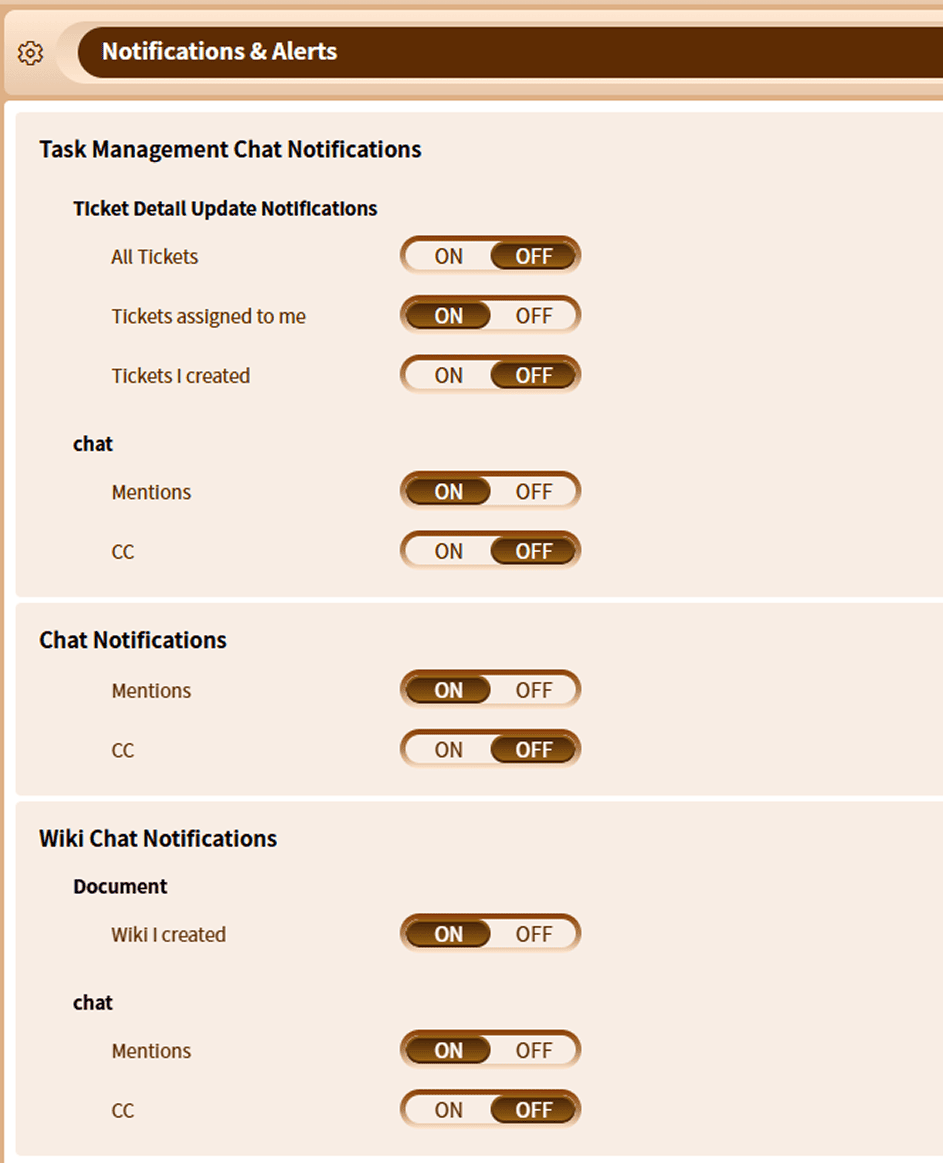
Notify for mentions, silence for CCs.
・ Easily toggle notifications ON or OFF for both mentions and CCs in your settings.Keep notifications ON for tasks assigned to you.
・
Updates on your assigned tickets are treated as critical information that directly impacts your work.
・
Set up alerts to stay informed the moment ticket details are updated.
The high cost of chasing info across multiple tools...
Common problems
- Spending 30 mins a day catching up costs a 10-person team ~100 hours of wasted resource every month.
- Information gaps create reality gaps: Even using the same tools, different search skills mean team members are looking at entirely different facts.
A single, automatically aggregated activity stream for the entire team
- Automatically pulling all updates into a single timeline slashes your search costs.Automatically pulling all updates into a single timeline slashes your search costs.
- Fast, effortless filtering gives everyone instant access to the right information.
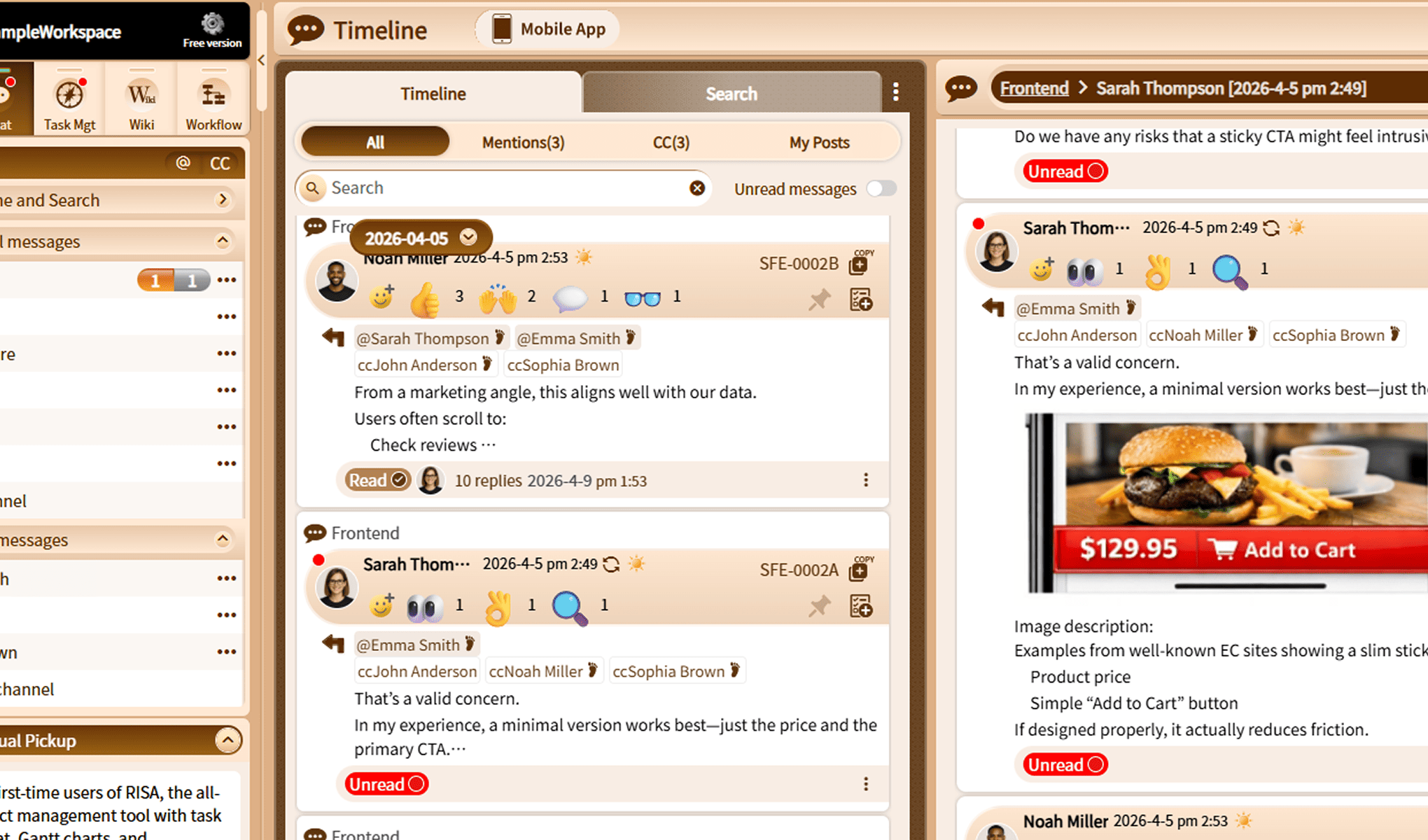
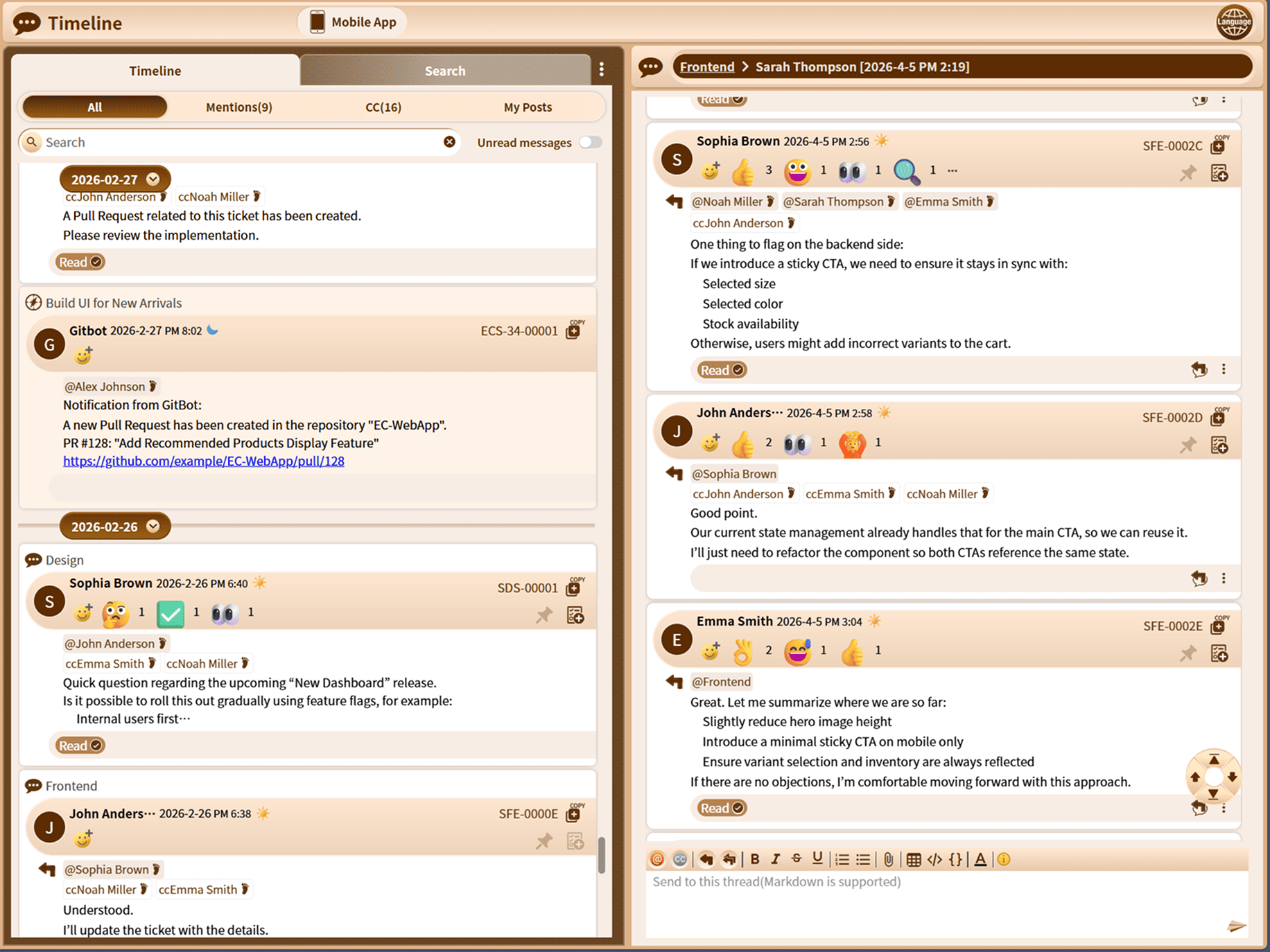
A unified timeline for all your updates.
・ Every message is centralized into one feed, eliminating the need to jump between multiple apps.Track non-chat events right inside your timeline.
・
Beyond daily chats, seamlessly integrated events from external systems flow into the same view.
Lose the “why” behind decisions
Common problems
- The actual conclusion of a long chat thread gets lost in the noise.
- Discussions splinter across multiple threads, scattering critical context.
- Finding past chats for completed tasks feels close to impossible.
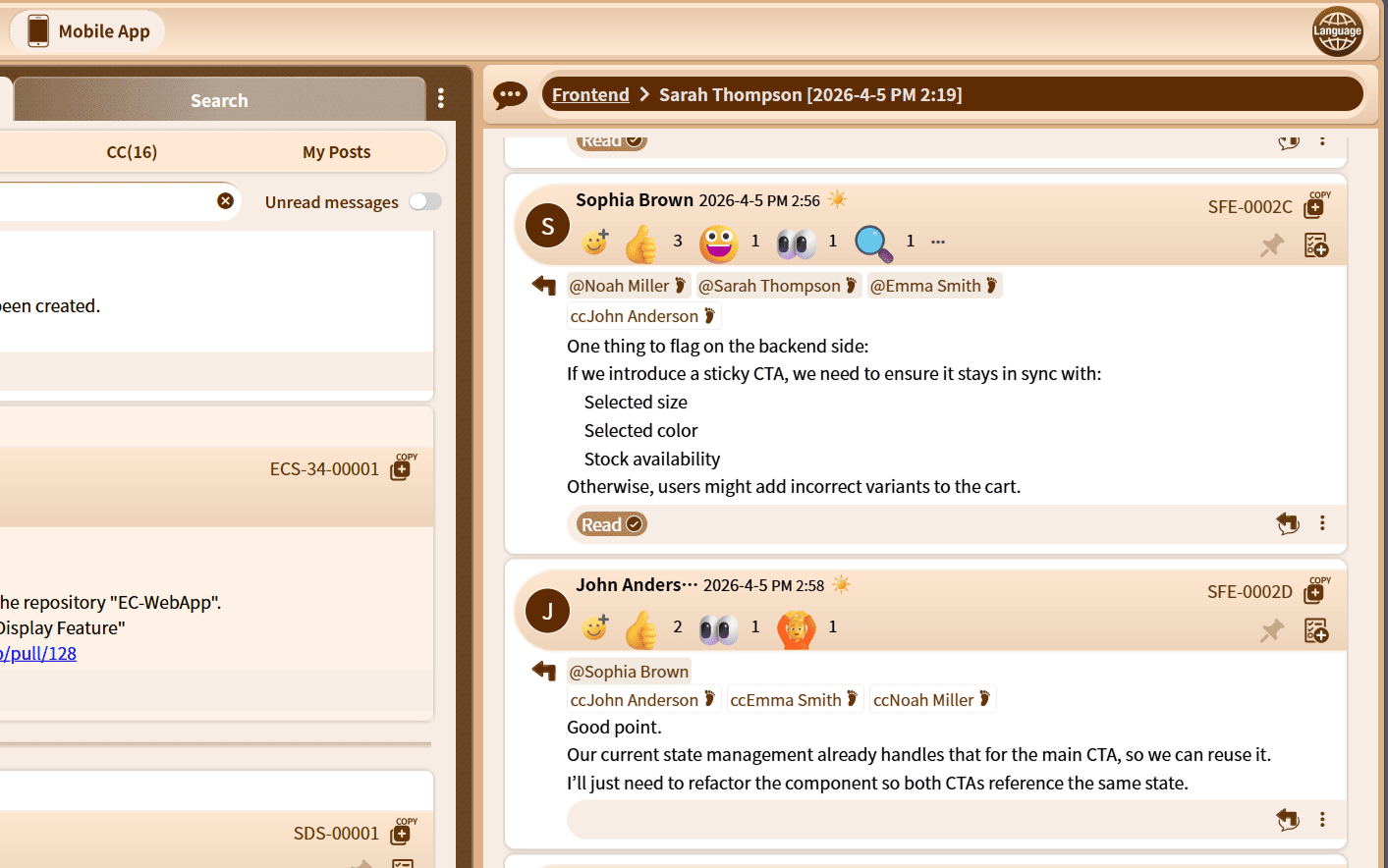
Chat inside tasks keeps your context organized.
- RISA automatically organizes your updates, ensuring critical context never gets lost.
- Our native in-task chat is built specifically to bridge communication gaps.
- Dedicated task spaces make it effortless to sync on minor issues, offer quick support, and swap ideas.

A unified data structure for chat, tasks, wikis, and to-dos.
・ Chat naturally inside any task, wiki document, or to-do list.・ With docs built into tasks, your communication, action items, and knowledge stay seamlessly connected.
A single, chronological timeline for everything.
・
Every single message flows into one timeline, ensuring critical updates never get buried.
・
Search across global chats, task comments, and wiki threads to find exactly what you need instantly.
"No more complicated systems or overpriced tools."
Common problems
- Endless manual effort spent copying data from spreadsheets into PowerPoint for meetings.
- Getting buried under an endless mountain of "final_revised_v2.xlsx" files.
- Accidental overwrites that wipe out your latest work and cause major rollbacks.
Get an intuitive, fully integrated workspace—now at a special introductory price.
(as of May 2026).
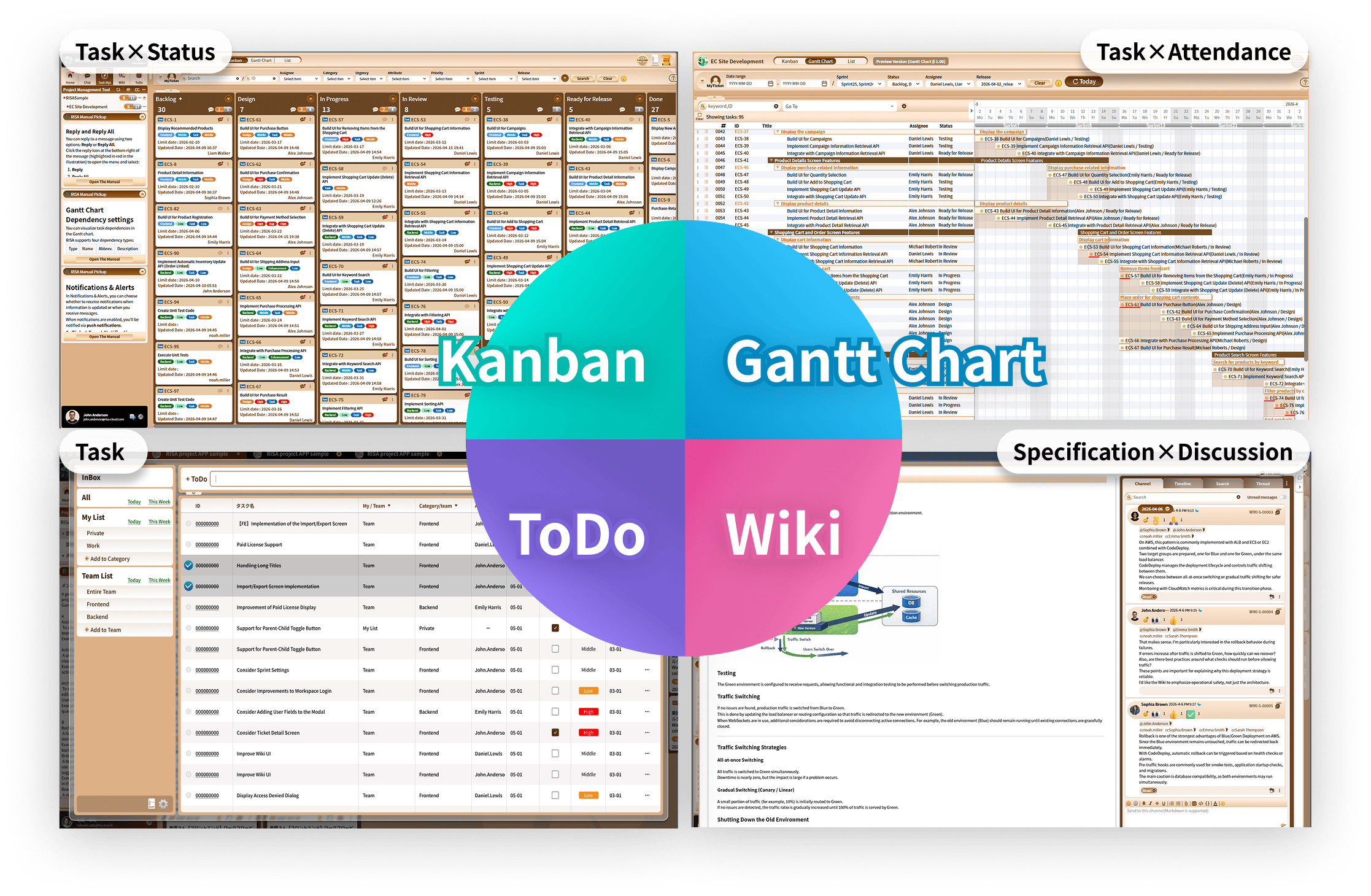
- Tasks, Gantt charts, to-dos, docs, and attendance logs live in one place, keeping the entire team completely in sync.
- Instantly access what matters most simply by toggling between your preferred views.
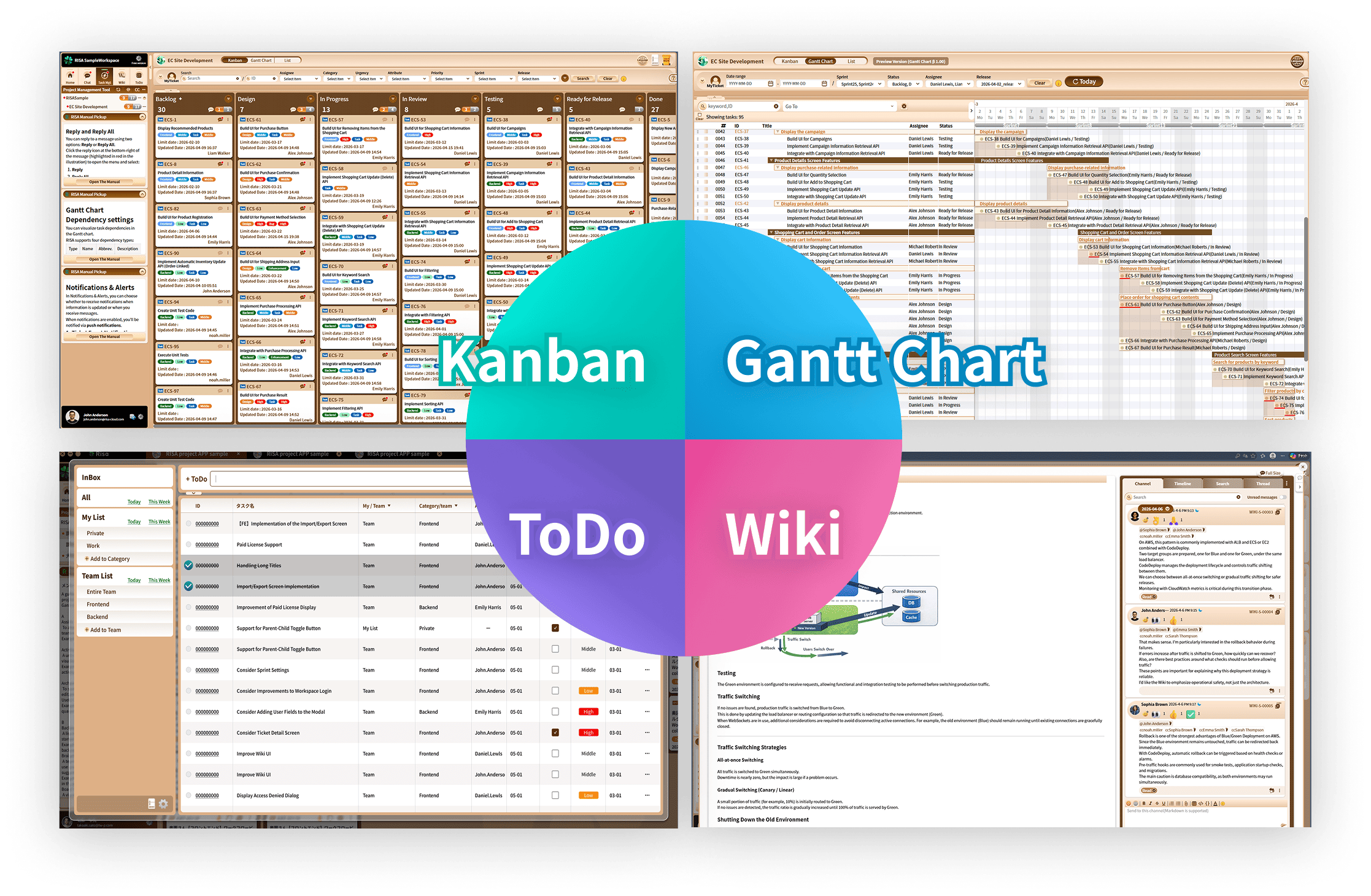
A fully integrated data model across tasks, Gantt charts, to-dos, wikis, and attendance.
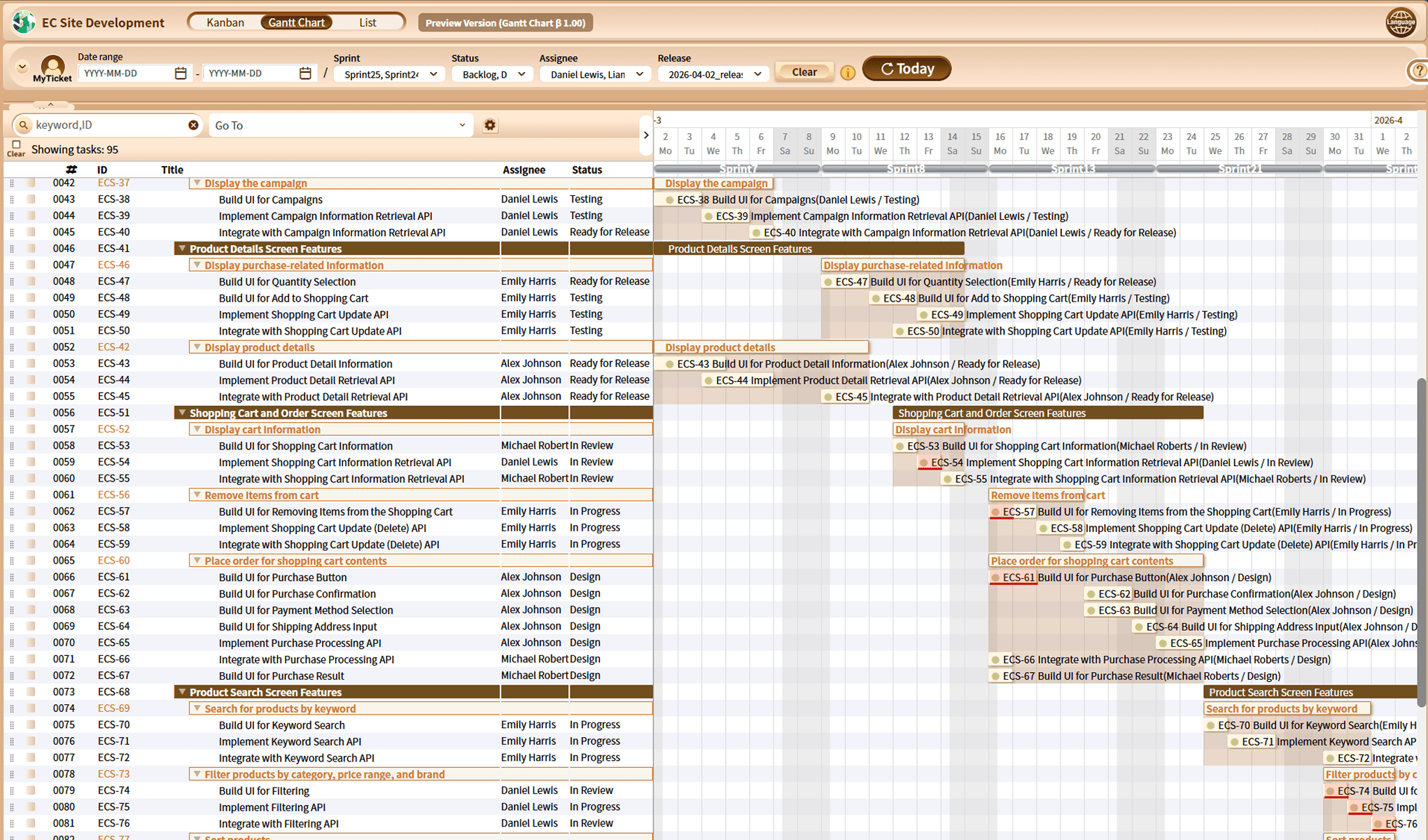
・ Build precise, boardroom-ready Gantt charts with effortless, intuitive actions.Instantly adapt to project shifts with fluid drag-and-drop rescheduling.
Flexible multi-perspective views to monitor your workspace
・
Monitor your workflow through tailored views by assignee, task status, or interactive Gantt schedules.
Use Case1
How to track team and department progress in an instant
Stay fully updated in just 3 minutes. (3 mins × 3 times = 9 minutes a day)
Once your review is complete, simply tackle items that need action.
Use Case2
How to reduce notification clutter by 90%
Set your alerts to trigger only for high-priority updates.
Now, you can easily focus only on important messages relevant to you.